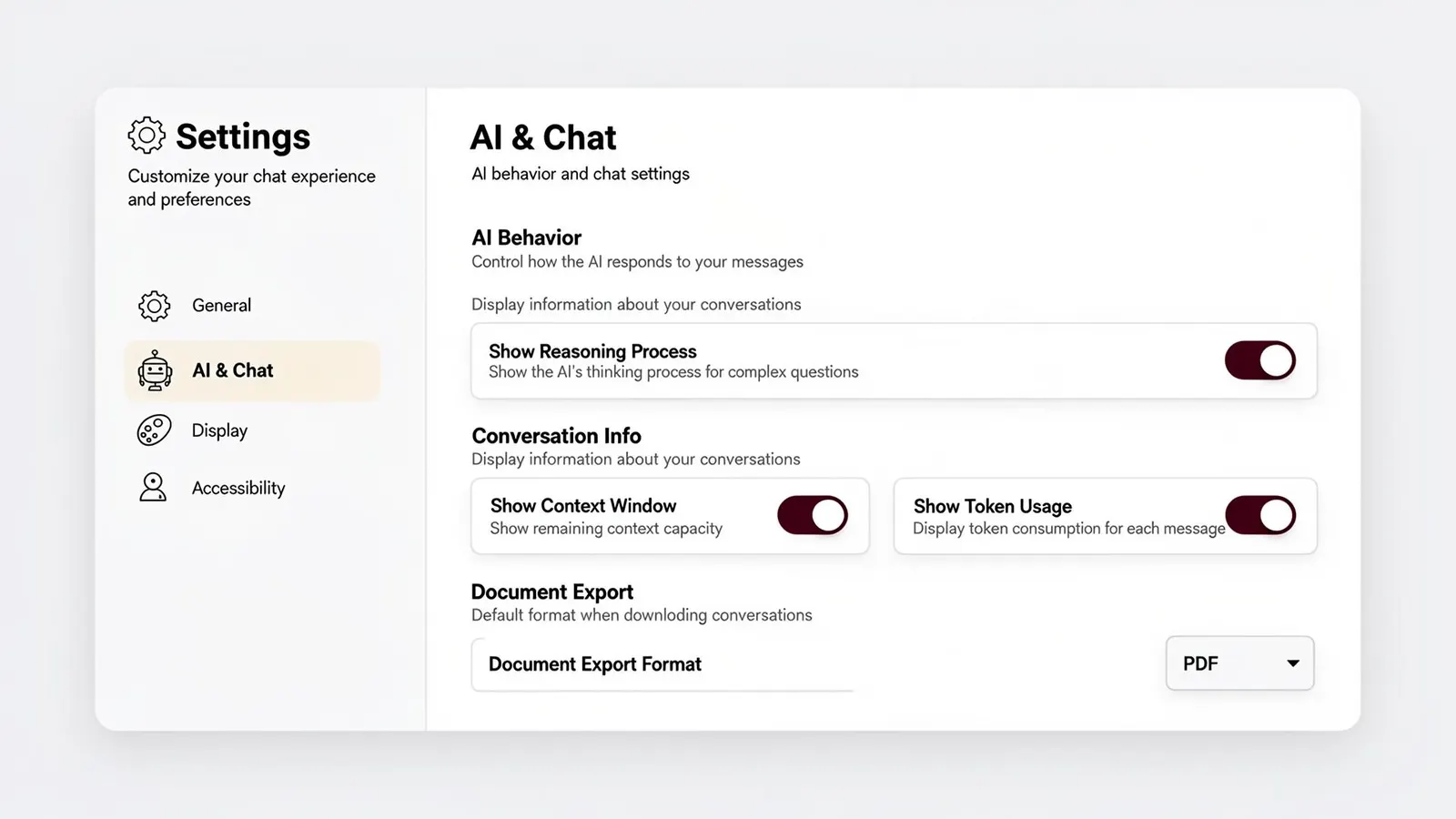
HAQQ gives you full control over how the AI works for you — and how the platform feels to use.
AI Behavior
Choose your default agent and configure how the AI responds. Toggle reasoning mode to expose the AI's thinking process for complex legal questions — useful for audit trails and supervision.
Conversation Info
Display context window usage and token consumption per message — so you always know how much capacity you're working with in a session.
Document Export Format
Set your default export format (PDF, DOCX, etc.) for downloading conversations and AI-generated documents. Applied globally across the platform.
Theme & Display
Switch between light and dark mode, adjust message layout density, and set your preferred text readability size — all changeable at any time from the settings panel.
Default Agent
Choose which AI model handles your sessions.
Reasoning Mode
Show the AI's thinking process for complex queries.
Conversation Info
Context window and token usage visibility.
Document Export
Default format: PDF, DOCX, and more.
Theme
Light, dark, or system-matched at any time.
Text Readability
Adjust message layout and font size.