Take your matters into your own hands
Matters, clients, documents and billable time on the phone you already carry to court. Ask Justinian a jurisdiction-aware question in the corridor and get an answer with its sources, in Arabic, English or French.
Free to download. Sign in with a firm account to see your eFirm matters, or use it as Legal AI Chat on its own.
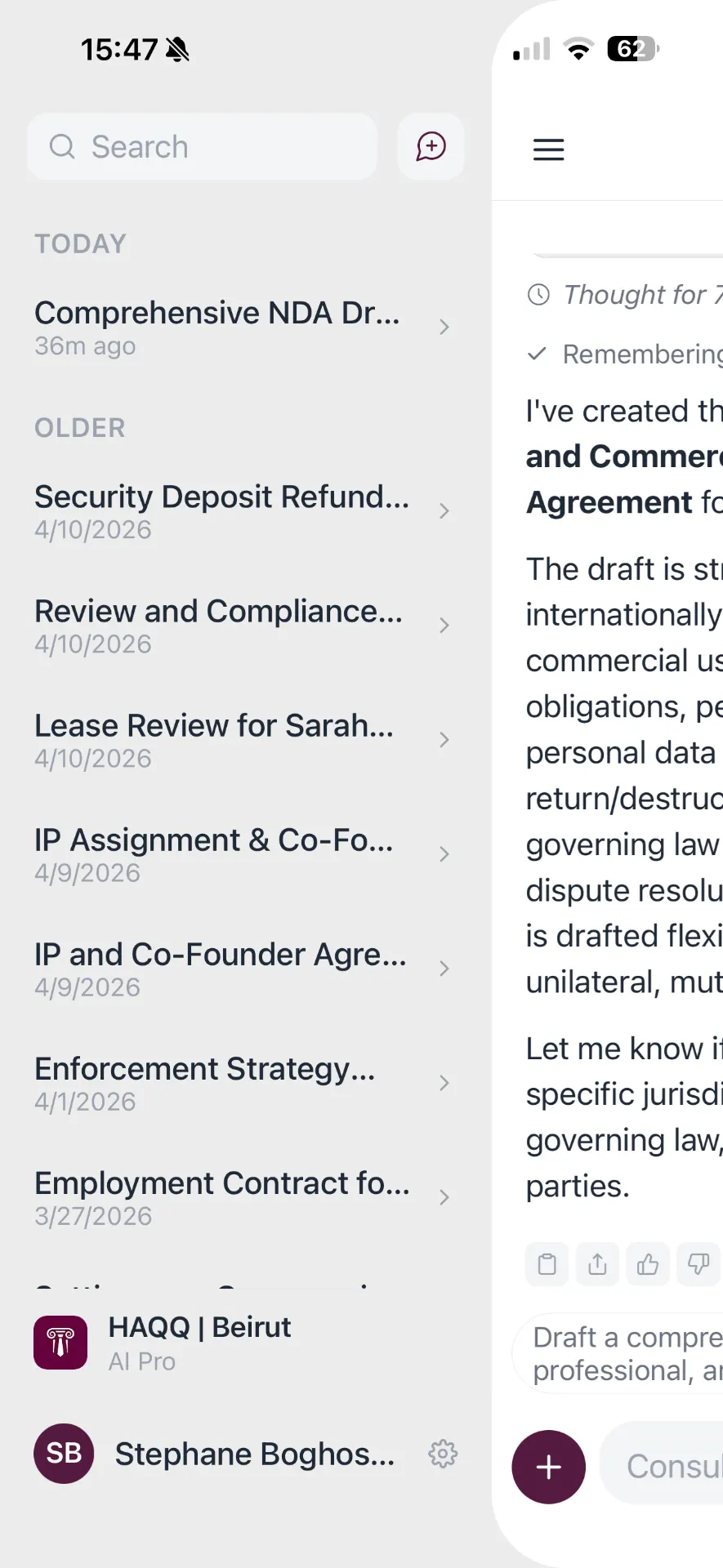
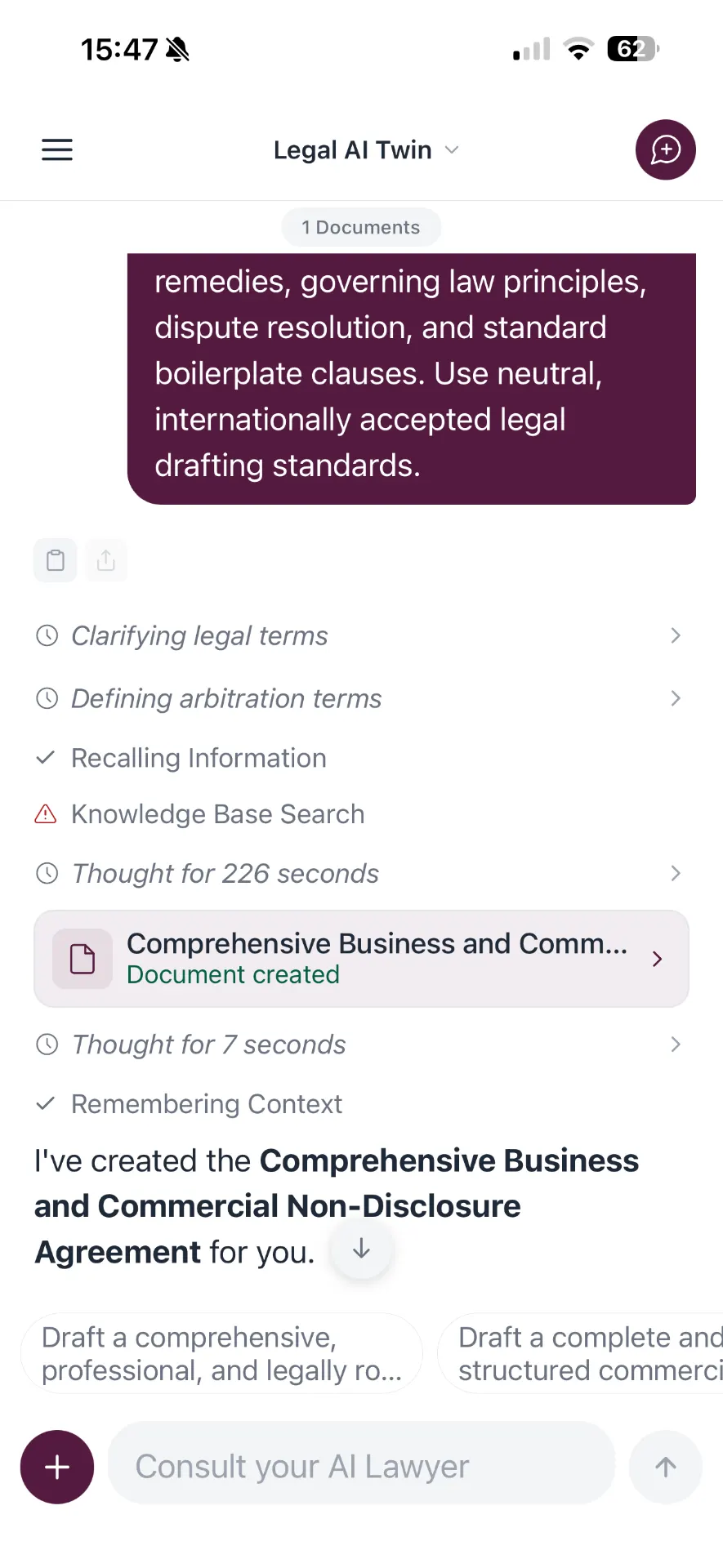
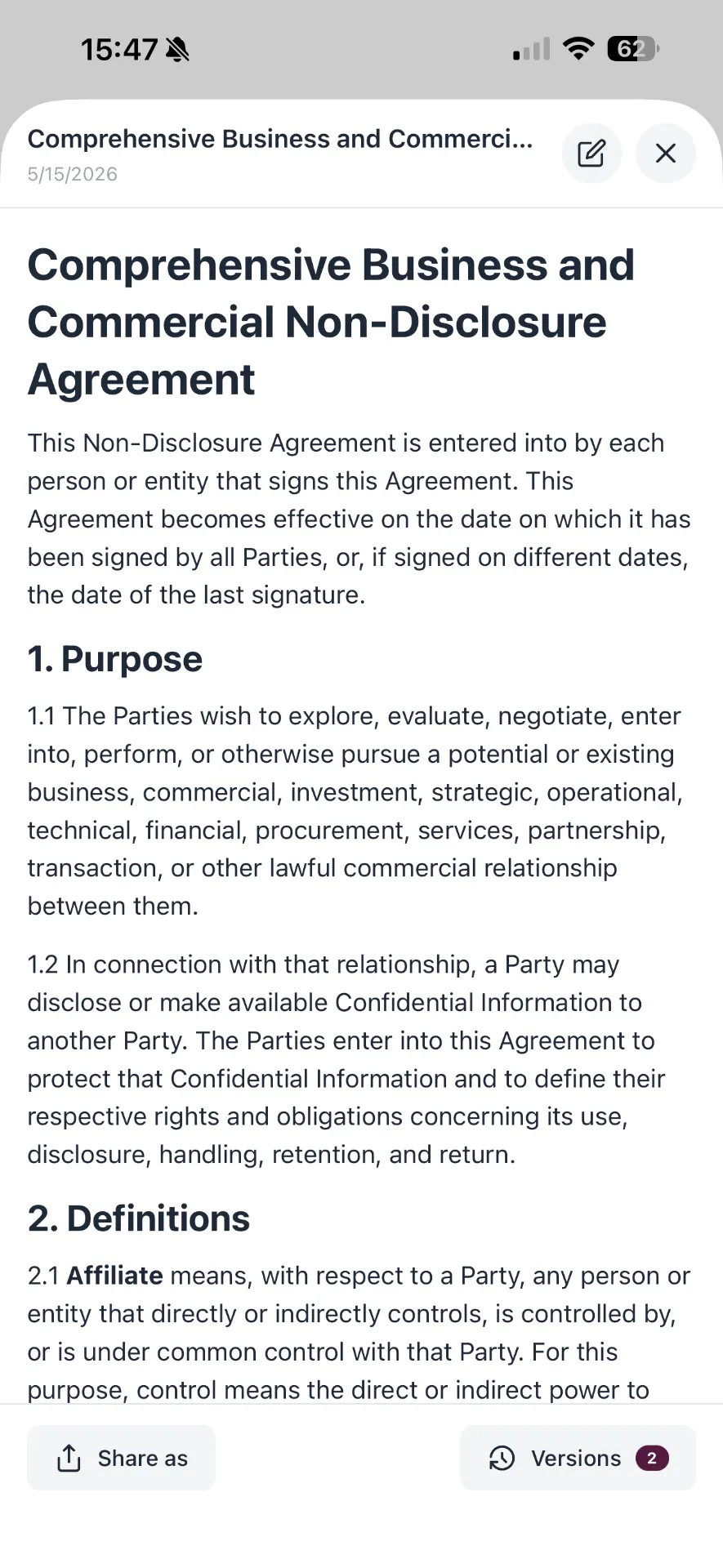
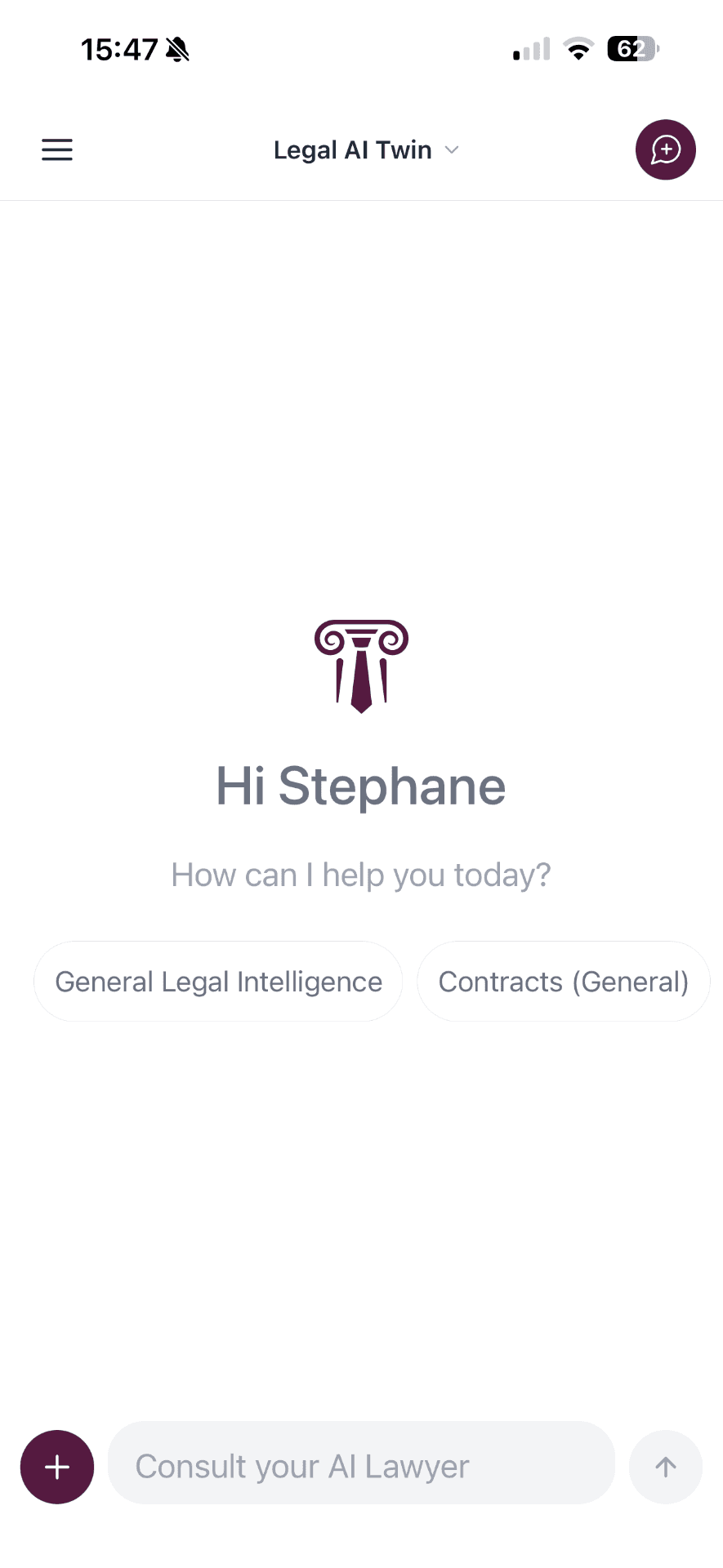
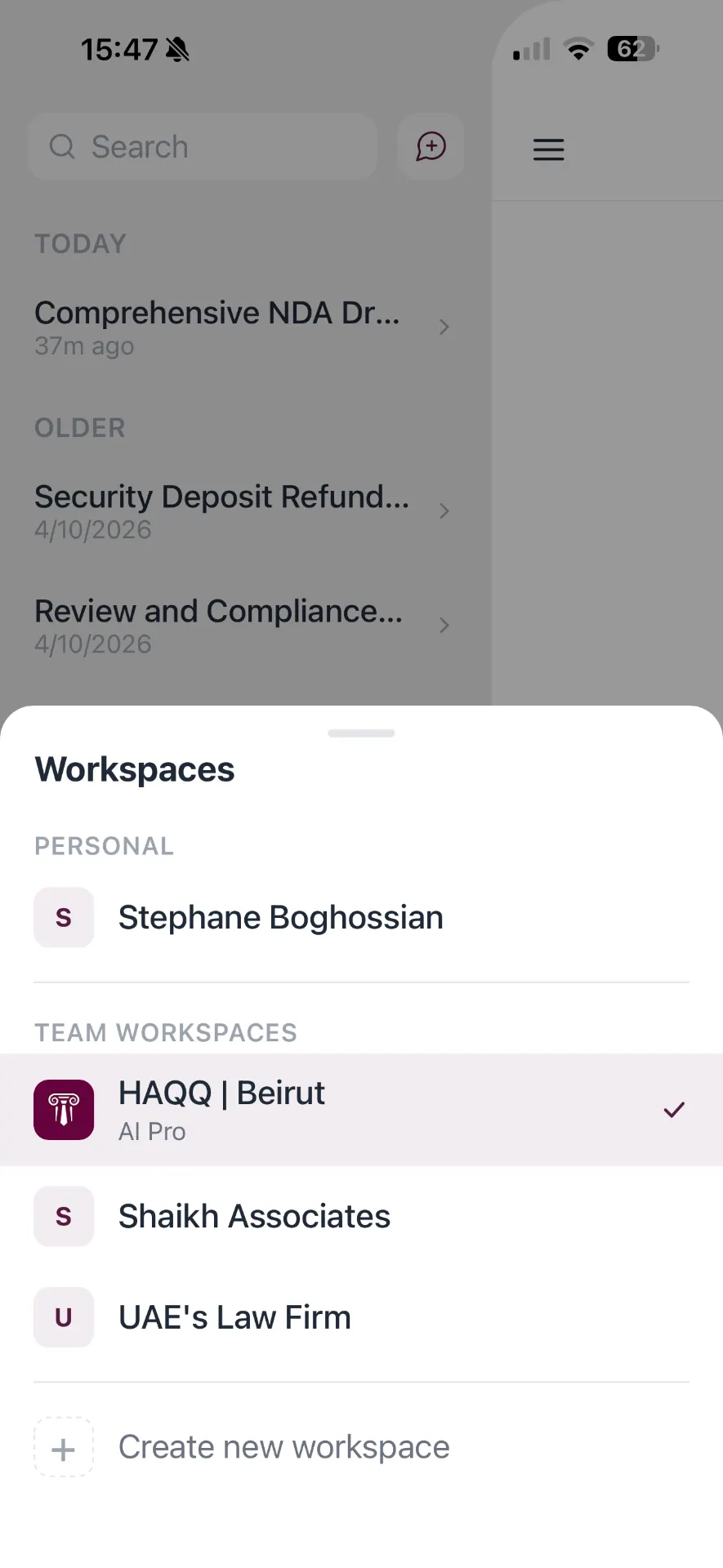
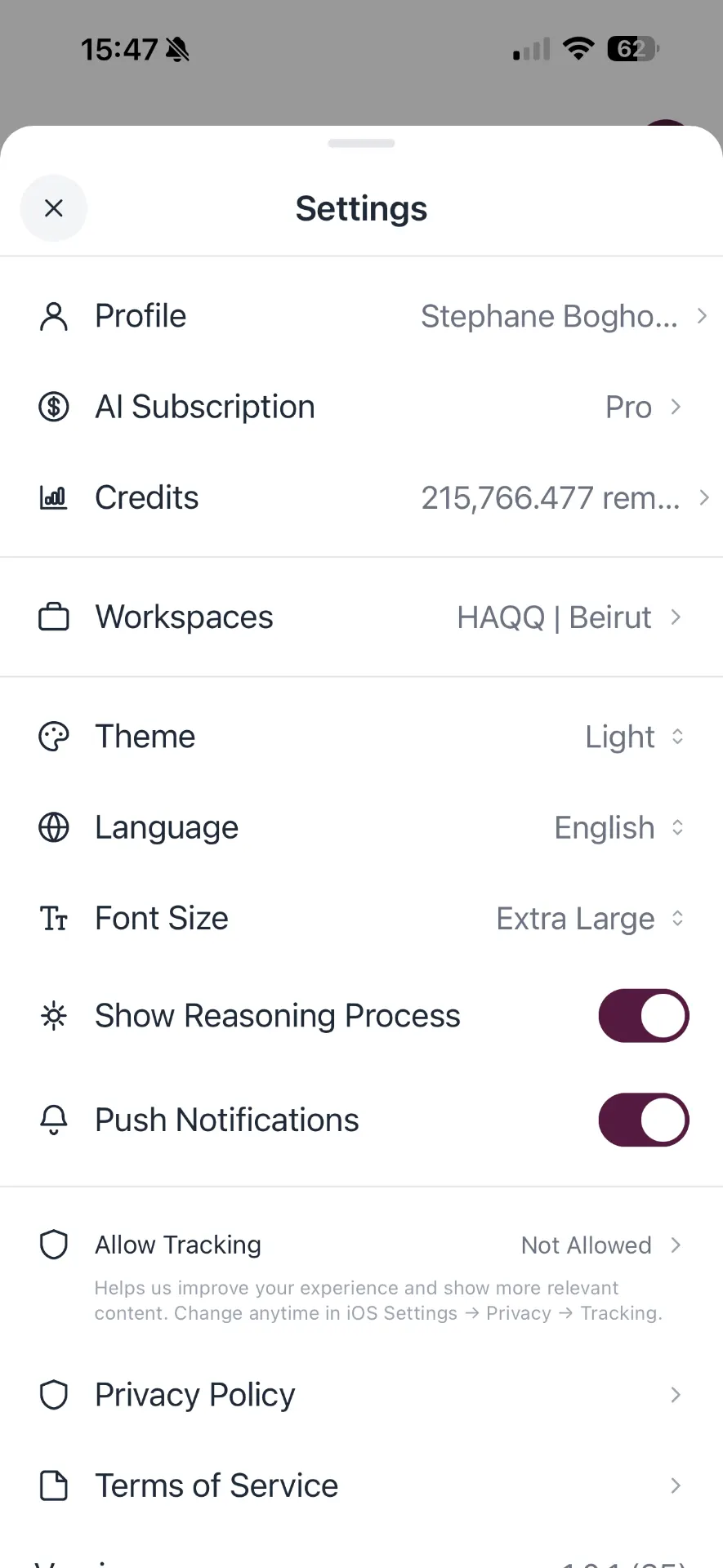
49 out of 50 on HAQQ's own 50-task legal AI benchmark, the highest overall score of the 19 models tested.
See the full resultsThe work does not wait for you to reach a desk
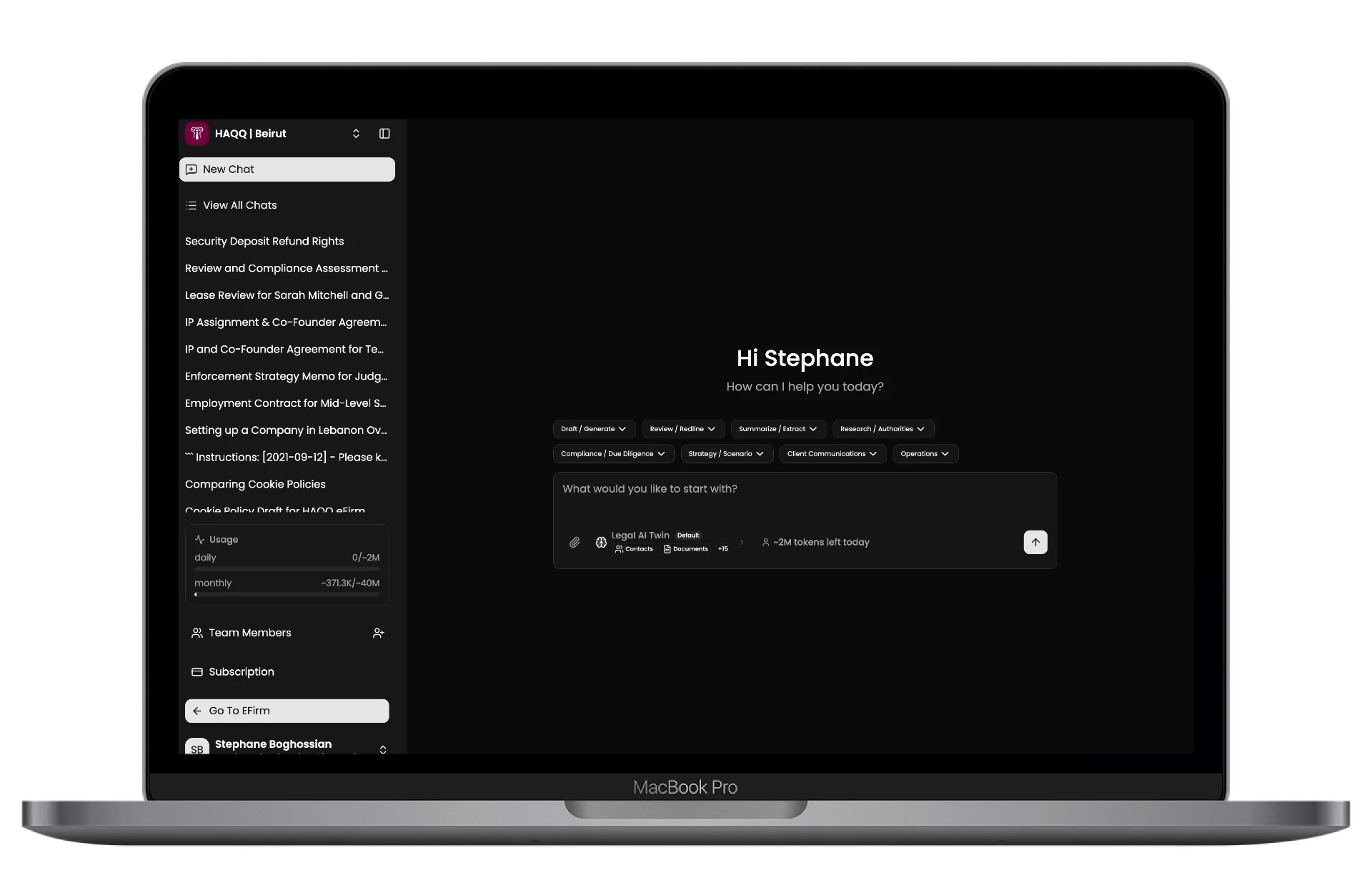
So it does not have to. This is the same workspace your firm runs, on the phone you already carry to court, holding the same file.
The corridor, five minutes before the hearing
Open the matter, read the last filing, check the client's number and the next date. Patchy signal in a courthouse basement does not stop you reading what you already have.
Bill it before you forget it
Log the time the moment the call ends, against the right matter. Time captured on the day is the cheapest revenue a firm has, and it is the first thing a full diary loses.
Say it walking to the car
Dictate the attendance note while it is still in your head. It lands on the matter as text, in the language you dictated it in, including Arabic.
Know the moment something moves
A hearing date shifts, a client replies, a deadline comes into range. You find out when it happens rather than the next time you open your laptop.
One file, wherever you open it
Mobile is not a second system to keep in step. A time entry logged in a corridor and a note taken after a call land on the same matter your firm sees at the desk, in the same audit trail, on the same invoice run.
What it looks like in the room
Litigator here. I use it to stress-test my own arguments before a hearing. It plays the other side better than my juniors.
No separate charge for mobile
The app is free to download and runs on the Legal AI Chat plan you already have, drawing on the same workspace credits as the web app, with no separate mobile charge.
See Legal AI Chat plansThe same obligations, on a smaller screen
Encryption in transit and at rest, the firm's own roles and permissions, documents anonymised before processing, and no client data used by HAQQ to train models. Compliant with SOC 2 and ISO 27001 (not certified). A phone changes where the work happens, not what the profession requires of it.
Encryption in Transit and at Rest
Encrypted in transit and at rest. Industry-standard encryption in transit, including TLS 1.3 where supported.
Role-Based Access Control
Granular permissions ensure users only access what they need. SSO and MFA support for enterprise deployments.
Your Data, Your Control
HAQQ never uses your data to train AI models. Complete data ownership with export capabilities at any time.
Comprehensive Audit Logging
Every action is logged and auditable. Full transparency for compliance requirements and internal governance.
Regional Data Residency
Choose where your data is stored. Support for EU, US, and Middle East data centers for compliance needs.
Privileged material, under your control
- Complete data isolation prevents any cross-client data exposure
- No attorney data is ever used for AI model training
- Audit trails support your own privilege documentation
The frameworks we comply with
- GDPR
- SOC 2
- ISO 27001
- ISO 42001
Put it on your phone before the next hearing
Free to download on iPhone and Android. Sign in with the account your firm already uses.
Setup steps for iPhone and Android are in the documentation.
What partners ask first
What happens if someone loses their phone?
Access belongs to the account, not to the handset. A firm administrator revokes that account's access and the device stops being able to reach anything. Data is encrypted in transit and at rest, and nothing is readable without an authenticated session.
Where is our data actually stored?
In the region the firm chooses: the European Union, the United States or the Middle East. The platform is identical in all three; only the boundary moves. Private cloud and on-premise deployments are available where the data cannot leave your own tenancy at all.
Can we see who opened which matter?
Yes. Every action is logged and auditable, on mobile exactly as on the web, which gives you the record you need for your own privilege documentation. Retention periods are configurable to match your regulatory obligations.
Does an associate see everything a partner sees?
Only if you have said so. Mobile inherits the firm's own roles and permissions rather than defining a second set, so ethical walls and matter-level access work the same way on a phone as they do at the desk.
Frequently Asked Questions
Is this a different app from the one on the consumer page?
It is the same app. What changes is what you see in it: sign in with a firm account and the matters, contacts, time entries and documents from your eFirm workspace are there.
Do I need eFirm to use it?
No. Without a firm workspace you still get the full Legal AI Chat: research with citations, drafting from your templates, and document review that returns the analysis and then the corrected draft. Matters, billing and client messaging are the parts that need eFirm.
Can I log billable time from my phone?
Yes. Time entries recorded on mobile land against the same matter and appear on the same invoice run as anything entered at the desk.
Is client data safe on a phone?
Data is encrypted in transit and at rest, access follows the same firm roles and permissions as the web workspace, and nothing you or your clients upload is used to train models.
Which languages does it work in?
Arabic natively, with full right-to-left support, plus English and French. Jurisdiction-aware answers across MENA, Europe and the United States.
What does the app cost?
Nothing extra. The app is free to download and runs on the Legal AI Chat plan you already have, drawing on the same workspace credits as the web app, with no separate mobile charge. Matters, billable time and client messaging appear once you sign in with a firm account on eFirm.
How do we roll this out across the firm?
Everyone downloads the same free app and signs in with their existing firm account. There is no separate mobile licence to buy, no per-device configuration, and nothing for the fee earners to set up beyond signing in.